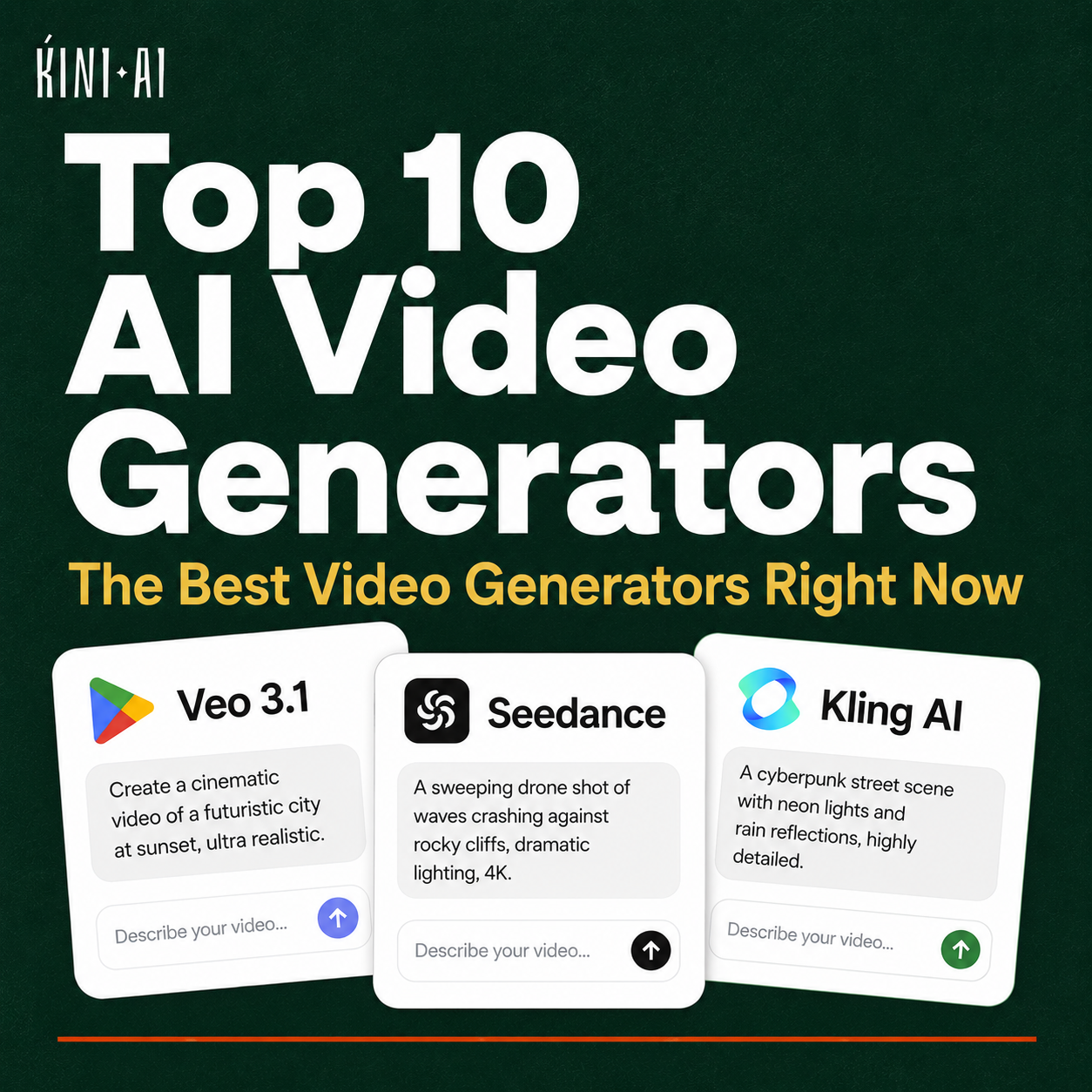

You’re scrolling Instagram. A brand you’ve never heard of has a product video that looks like it cost ₦500,000 to produce. The lighting is clean and the motion is smooth. There is even a voiceover. You check the account; it is only three months old, yet it has 8,000 followers. They did not hire a production crew. They used one of the tools on this list.
1. Google Veo 3.1
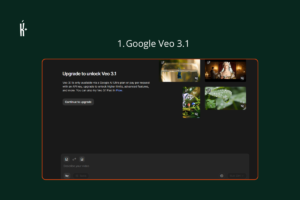
Google’s flagship video model is currently leading the pack on almost every quality metric. Veo 3.1 generates native 4K video with synchronised audio, meaning the background sounds, ambient noise, and music are generated alongside the video, not added separately afterwards. Prompt adherence is excellent, character consistency across shots is strong, and the output feels cinematic. For anyone serious about AI video quality, this is the benchmark everything else gets measured against right now.
Best for: Narrative scenes, establishing shots, high-quality marketing content.
Pricing: Available through Google AI Ultra Plan at #89,000/month.
Check it out: https://aistudio.google.com
2. Seedance 2.0
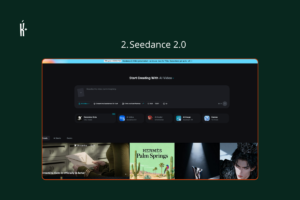
ByteDance built this one, and it currently holds the number-one Elo rating on the Artificial Analysis Video Arena for both text-to-video (1,269) and image-to-video (1,351), ahead of every other model on this list. What makes Seedance 2.0 unique is that it generates video and audio together in a single pass, and it can handle multi-shot narratives from a single prompt, maintaining continuity across scene transitions the way a director would. One catch: generation times can run 60–120 seconds per clip, and content filters are strict following legal pressure from major Hollywood studios.
Best for: Storytellers, multi-scene narratives, creators who prioritise benchmark-proven quality.
Pricing: Available via seed.bytedance.com.
Check it out: https://seed.bytedance.com/en/seedance2_0
3. Kling AI 3.0
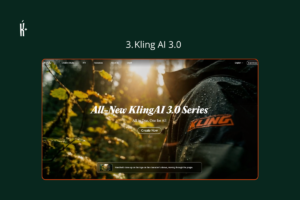
Kling is where the conversation about realistic human faces in AI video usually lands. Version 3.0 supports longer clips, multi-shot storyboard mode, and 4K output. The motion of human figures — how people walk, gesture, and move — is noticeably more convincing here than in most competitors. For brands wanting to show real-looking people in their content, Kling 3.0 is the strongest choice at its price point.
Best for: People-centered content, fashion, lifestyle brands, product demonstrations with human models.
Pricing: Approx. #10,000 – #15,000/month — the best value-to-quality ratio in the top tier.
Check it out: https://klingai.com
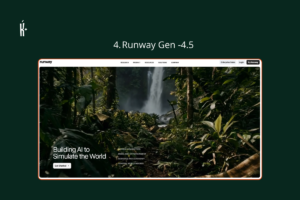
4. Runway Gen-4.5
Runway is the filmmaker’s tool. While other generators focus on improving output quality, Runway focuses on giving creators more control: Motion Brush lets you direct specific elements of the video independently, camera control is precise, and the integration with professional editing workflows is the most developed in the industry. If you already know what you want a scene to look like and need AI to execute your vision rather than guess at it, Runway is where you go.
Best for: Professional editors, filmmakers, motion designers, advertising agencies
Pricing: Approx. #17,000(Standard) — pro plans available for higher generation volumes
Check it out: https://runwayml.com
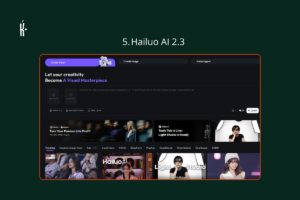
5. Hailuo AI 2.3 (MiniMax)
Hailuo generates 1080p video clips in 30–90 seconds — the fastest in the field. At approximately $0.30 per 10-second clip, it dramatically undercuts Runway ($1.20 per clip) and Sora’s former pricing. It is ranked number one for physics simulation on WorldModelBench, meaning objects, liquids, and environmental elements move and interact more realistically than on most competing platforms. The free tier gives you daily credits; enough for two to three videos per day.
Best for: High-volume creators, social media content, budget-conscious professionals, anyone testing AI video for the first time.
Pricing: Free tier available daily; paid plans from approx. #10,000/month. Roughly $0.30 per 10-second 1080p clip.
Check it out: https://hailuoai.video
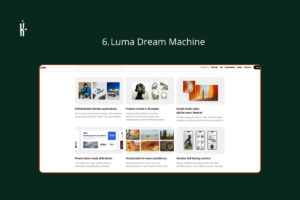
6. Luma Dream Machine
Luma AI’s Dream Machine consistently produces video with a cinematic quality that distinguishes it from tools optimised purely for realism or benchmark performance. Dynamic perspective shifts, natural lighting changes, and a distinctive visual style make Luma outputs recognisable. It accepts both text and image prompts, so you can feed it a reference photo and let it animate the scene around it. Less about precise control, more about beautiful output.
Best for: Creative directors, artists, brand storytelling, video content that needs to look stunning rather than just realistic.
Pricing: Free tier with limited generations; paid plans from approx. #42,000/month.
Check it out: https://lumalabs.ai/dream-machine
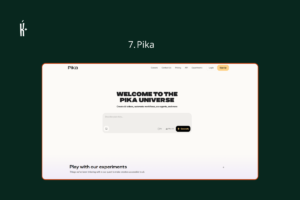
7. Pika
Pika built its name on lip-sync, specifically Pikaformance, a tool that takes a still image and syncs it convincingly to audio or dialogue. For talking-head content, product explainers, or social media clips where you need a character to speak directly to camera, Pika is the specialist. It is less suited for complex narrative video, but for its specific use case it is ahead of the pack.
Best for: Social media content, talking-head videos, short-form clips, anyone who wants a character to speak in a video.
Pricing: Free tier available; paid plans from approx. #11,000/month.
Check it out: https://pika.art
8. Synthesia
Synthesia is the market leader for a specific and valuable use case: professional videos using realistic AI avatars as presenters. It is widely used for corporate training, onboarding videos, e-learning content, and internal communications; anywhere you need a professional-looking presenter without a camera crew. Over 160 languages are supported, which makes it especially relevant for African businesses producing multilingual content. The avatars are not for creative filmmaking, but for professional presentation they are convincing.
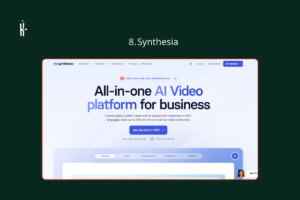
Best for: Businesses, HR teams, e-learning developers, educators producing multilingual instructional content.
Pricing: From approx. #25,000/month (Starter) — enterprise plans available.
Check it out here: https://www.synthesia.io
9. HeyGen
HeyGen occupies the space between Synthesia’s corporate rigour and the creative flexibility of the text-to-video tools. It is built for marketers: create an AI avatar of yourself or choose from a library of realistic avatars, add a script, and generate a professional video in minutes. The platform is widely used for product launches, explainer videos, and personalised video outreach. It also has strong translation features — you can record a video in English and have HeyGen re-lip-sync it in French, Swahili, or Yoruba.
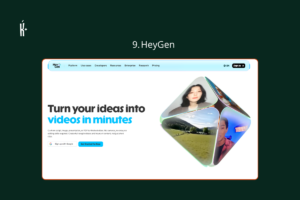
Best for: Marketers, founders, educators, content creators who want to appear on camera without filming.
Pricing: Free plan available; paid plans from approx. #40,000/month.
Check it out: https://www.heygen.com
10. InVideo AI
InVideo AI is the most accessible tool on this list. You describe the video you want in plain language, choose a format (YouTube, Instagram Reel, explainer, ad), and InVideo AI writes the script, selects stock footage or AI-generated visuals, adds voiceover, and produces a ready-to-publish video. It is not the most powerful creative tool, but for a small business owner, a teacher, or a creator who has never edited a video and needs something professional today, it is the most practical starting point. It also has an active African creator community.
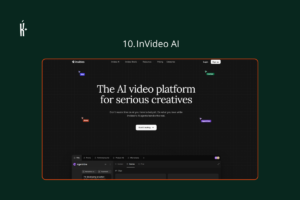
Best for: First-time video creators, small business owners, social media managers, educators.
Pricing: Free plan available with watermark; paid plans from $20/month.
Check it out: https://invideo.io
KINI BIG DEAL
That brand you were watching on Instagram probably spent less than #20k on that video, maybe nothing at all.
Four of the tools on this list — Hailuo AI, Pika, HeyGen, and InVideo — have free tiers that are genuinely usable. Not the kind where you click the button and discover you need to upgrade before anything actually happens. Hailuo gives you daily credits. Pika’s free plan produces real clips. HeyGen lets you create a video before you enter a card number. InVideo AI’s free plan produces content you can actually publish. If you are in Africa and have not started experimenting with at least one of these tools, the barrier is not money. It is just inertia.
The other thing worth knowing — and this is specifically for African businesses — two tools on this list can take a video you record in English and re-lip-sync it in Yoruba, Hausa, French, or Swahili. Synthesia supports over 160 languages. HeyGen does the same. You do not re-record. You do not hire someone to translate and reshoot. You upload, click, and wait a few minutes. For any business, school, or creator that needs to reach an audience in a language they do not present in fluently, that capability is live right now.
The account you were scrolling past already knew all of this. Now you do too. Run!