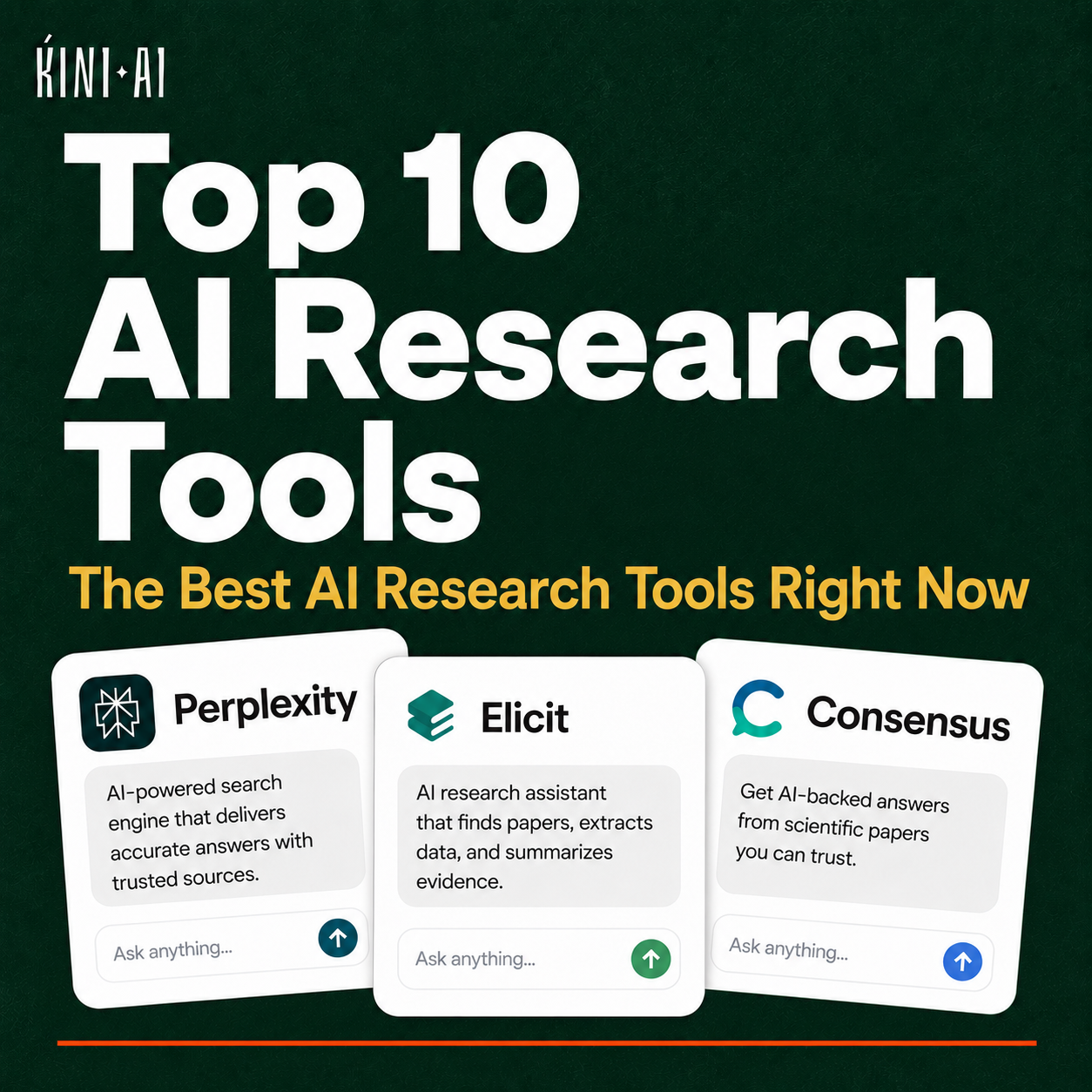

You have a report due, a lesson to prepare, or a decision to make that depends on facts you do not yet have. So you open a browser tab. Then twelve more. Two hours later, you have forty open tabs, three contradicting answers, and no idea which source to actually trust.
Research has always taken longer than it should. In 2026, a new class of AI tools exists to erase the usual friction points: reading hundreds of sources in the time it takes you to make tea, showing you exactly where each claim comes from, and turning a pile of PDFs into something you can actually use.
Here are ten such tools worth knowing right now.
1. Perplexity
Perplexity works like a search engine that actually gets the job done. Ask it a question, and rather than handing you ten blue links to sort through yourself, it reads across dozens of live web sources and hands you a written answer with inline citations you can click and verify one by one. Its Deep Research mode goes further: point it at a bigger question, and it will spend a few minutes reading broadly before returning a structured, cited report rather than a quick paragraph.
In independent audits, Perplexity has posted the lowest citation-failure rate of any AI search tool, which matters more than it sounds: a research tool that cites the wrong source is worse than no tool at all. It is not built for deep academic literature reviews — for that, you want a more specialised tool further down this list — but for everyday research, fact-checking, and getting oriented on an unfamiliar topic fast, this is the most reliable general-purpose option available.
Best for: Everyday research, fact-checking, and getting a fast, cited answer to almost any question.
Pricing: $20/ month (Individual). $40/ month (Enterprise).
Try it here: perplexity.ai
2. ChatGPT Deep Research
Deep Research, built into ChatGPT, is less a chatbot feature and more a research agent. Give it a genuinely complex brief — “compare the regulatory landscape for fintech licensing across five African countries,” for example — and it will independently browse, read, cross-reference, and assemble a long, structured report with sources, often taking several minutes to work through the problem the way a junior analyst would. It is multimodal too, meaning it can pull in and reason over images, charts, and PDFs alongside text, not just web pages.
The trade-off is patience and volume: reports take time to generate, and usage is limited even on paid plans, so it rewards a well-considered question rather than casual back-and-forth. Save it for the questions that would otherwise cost you an afternoon.
Best for: Complex, multi-part research questions that would normally take a human analyst hours to assemble.
Pricing: Available across ChatGPT free and paid subscriptions.
Try it here: chatgpt.com
3. Gemini Deep Research
Google’s answer to the same problem takes a different approach. Gemini Deep Research leans on Gemini’s enormous context window to read and hold far more source material in mind at once than most competitors, which shows up in reports that lean on a greater sheer quantity of sources. Output tends to be more formal and text-heavy: smaller, tightly focused paragraphs rather than the more visual, image-supported reports ChatGPT produces.
It plugs naturally into Docs, Sheets, and the rest of Google Workspace, which matters if that is already where your team lives. It is text-only for now, so do not expect it to reason over an uploaded photo or scanned document the way ChatGPT can.
Best for: Long, source-heavy research where you want maximum breadth and a Google Workspace-native workflow.
Pricing: Available across Google’s free and paid subscriptions.
Try it here: gemini.google.com
4. Connected Papers
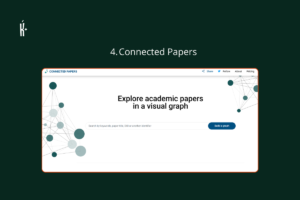
Most academic search tools return a list of papers. Connected Papers shows you the landscape behind them. Start with one paper you already know, and it generates an interactive visual graph of closely related research, helping you discover foundational studies, influential follow-up work, and neighbouring ideas that keyword searches often miss. Instead of endlessly tweaking search terms and hoping the right paper appears, you can literally see how an area of research fits together.
The graph is built using similarities in the academic literature rather than simple keyword matching, making it especially useful when you’re entering a new field or trying to understand how different schools of thought connect. Researchers often use it to uncover seminal papers they overlooked, identify emerging areas of study, or make sure they are not building their work on an incomplete view of the literature. It will not summarise papers or answer research questions for you—that is what tools like SciSpace or Elicit are for. What Connected Papers gives you is context: the confidence that you understand the shape of a field before diving into its details.
Best for: Discovering related academic papers and visualising the structure of an entire research field from a single starting paper.
Pricing: $3/month (Academic). $10/month (Business)
Try it here: connectedpapers.com
5. Elicit
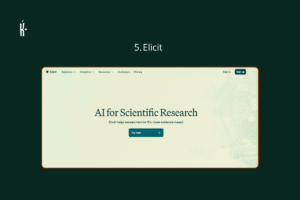
Elicit is built specifically for the systematic literature review — the unglamorous but essential process of screening dozens or hundreds of academic papers, extracting the relevant data points from each, and organising them into a comparable table. Feed it a research question and a pile of papers, and it will pull out sample sizes, methods, findings, and outcomes into structured columns you can actually compare side by side, work that would otherwise take days of manual reading.
It is squarely an academic tool, built for researchers, postgraduate students, and anyone conducting formal evidence reviews, not a general search engine. If your research question is “does X actually work,” rather than “what generally exists on this topic,” Elicit is the tool built for that question.
Best for: Systematic literature reviews and structured data extraction across many academic papers at once.
Pricing: $49/month billed annually (Pro). $169/month billed annually (Scale).
Try it here: elicit.com
6. Consensus
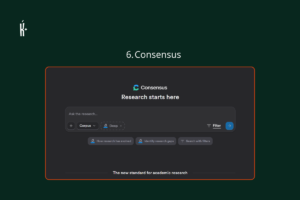
Consensus answers a narrower, more specific kind of question well: “does creatine improve memory,” “does remote work reduce productivity” — basically, yes/no-shaped question backed by a body of scientific literature. It searches over 200 million scientific papers and, rather than handing you a long essay, shows a visual Consensus Meter that tells you, at a glance, how much of the existing evidence agrees, disagrees, or is mixed, with the underlying papers listed below for anyone who wants to go deeper.
It will not write your literature review for you, and it is not built for open-ended exploratory research. But for quickly checking whether a claim someone made in a meeting or a lesson plan actually holds up against the evidence, nothing on this list is faster.
Best for: Quickly checking whether a specific scientific claim is actually supported by the evidence.
Pricing: $12/month (Pro). $45/month (Deep)
Try it here: consensus.app
7. SciSpace
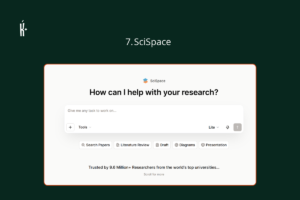
Where Elicit narrows in on structured extraction, SciSpace casts a wide net. It searches across multiple academic databases at once, pulling in more papers than most rivals for an initial exploration, and its Deep Review feature synthesises them into a readable overview. It is also genuinely good at decoding a dense, jargon-heavy PDF: highlight a confusing paragraph, and it explains it in plain language, paragraph by paragraph if needed.
Specialised agents for biomedicine and meta-analysis make it a favourite in medical and life-science research specifically, though the core tool works for any academic field. Choose SciSpace over Elicit when you are still figuring out the shape of your research question, not yet ready to extract structured data from a fixed set of papers.
Best for: Broad exploratory research across academic literature, and making sense of dense scientific PDFs.
Pricing: $12/month, billed annually (Premium). $70/month, billed annually (Advanced). $160/month, billed annually (Max).
Try it here: scispace.com
8. Scite
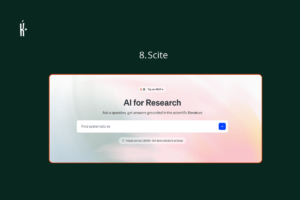
Scite solves a specific, quietly important problem: a paper being cited does not mean the citing paper agrees with it. Scite reads the actual sentence around every citation and classifies it as supporting, contrasting, or simply mentioning the original claim, then shows you that context directly, with a link to the exact sentence. It also flags when a paper has been retracted or formally disputed — information a plain citation count will never show you.
This makes it less a discovery tool and more a verification layer: use it to sanity-check a claim you already found elsewhere, or to see whether a landmark paper’s conclusions have held up under later scrutiny. Browser extensions overlay this evidence directly onto Google Scholar and publisher pages, so it slots into a workflow you already have rather than replacing it.
Best for: Verifying whether the research citing a paper actually supports its claims, or has since contradicted them.
Pricing: $20/month (Basic). $59/month (Pro). $50/seat/month (Team)
Try it here: scite.ai
9. Semantic Scholar
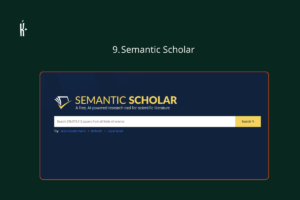
Semantic Scholar remains the best free entry point into academic search, and unlike most of this list, that is not a limited trial — it is genuinely open. Built by the Allen Institute for AI, it indexes over 200 million papers, generates a one-line AI “TLDR” summary for each so you can judge relevance without reading the abstract, and visualises the citation graph around any paper so you can see what it built on and what it went on to influence.
It will not extract structured data across papers the way Elicit does, or synthesise a review for you. What it does, it does at zero cost and without a sign-up wall for basic search, which makes it a sound default for students and early-stage researchers before reaching for a paid, more specialised tool.
Best for: Free academic paper discovery, quick relevance-checking, and exploring how a paper fits into the wider citation graph.
Pricing: FREE!
Try it here: semanticscholar.org
10. ResearchRabbit
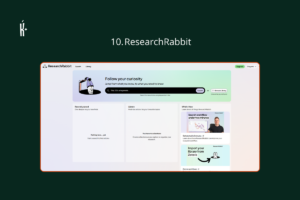
ResearchRabbit takes a different approach to discovery entirely: instead of a chat window, you get a visual map. Feed it one or two seed papers you already know are relevant, and it builds an interactive network showing earlier foundational work, later papers that cite it, and thematically similar research from citation chains you would not have found by keyword search alone. Worth knowing: the recommendation engine runs on the paper citation graph itself rather than a large language model, so it is closer to a very well-organised map than a chatbot.
It serves more than a million researchers and covers over 310 million academic records, and it is particularly good for the snowball sampling researchers use to make sure they have not missed a key paper in a field. It will not summarise or explain anything for you — pair it with SciSpace or Elicit for that. What it uniquely gives you is confidence that you have actually mapped a field rather than just sampled it.
Best for: Visually mapping a field of research and making sure you have not missed a foundational paper.
Pricing: $12.5/month.
Try it here: researchrabbit.ai
Kini Big Deal?
None of these tools replace judgement. Consensus can show you what the evidence says without telling you whether it applies to your specific situation. Perplexity can hand you a cited answer that is still, technically, only as good as the sources it found. The thinking is still yours to do.
They only remove the grunt work that used to stand between a question and an answer: the forty open tabs, the days spent screening papers by hand, the citation you took at face value because checking it properly would have taken another hour. For students, teachers, and professionals across Africa building careers without a research assistant on staff, that is the real unlock — not smarter answers, but hours of your week back to actually think about what the answer means.
Pick the one that matches your actual question, not the flashiest one on this list. Perplexity for the fast general answer, Elicit or SciSpace for the deep academic dig, Consensus when you just need to know if a claim holds up, sha. Start small, and let it earn a permanent place in your workflow.